One account for all your venues
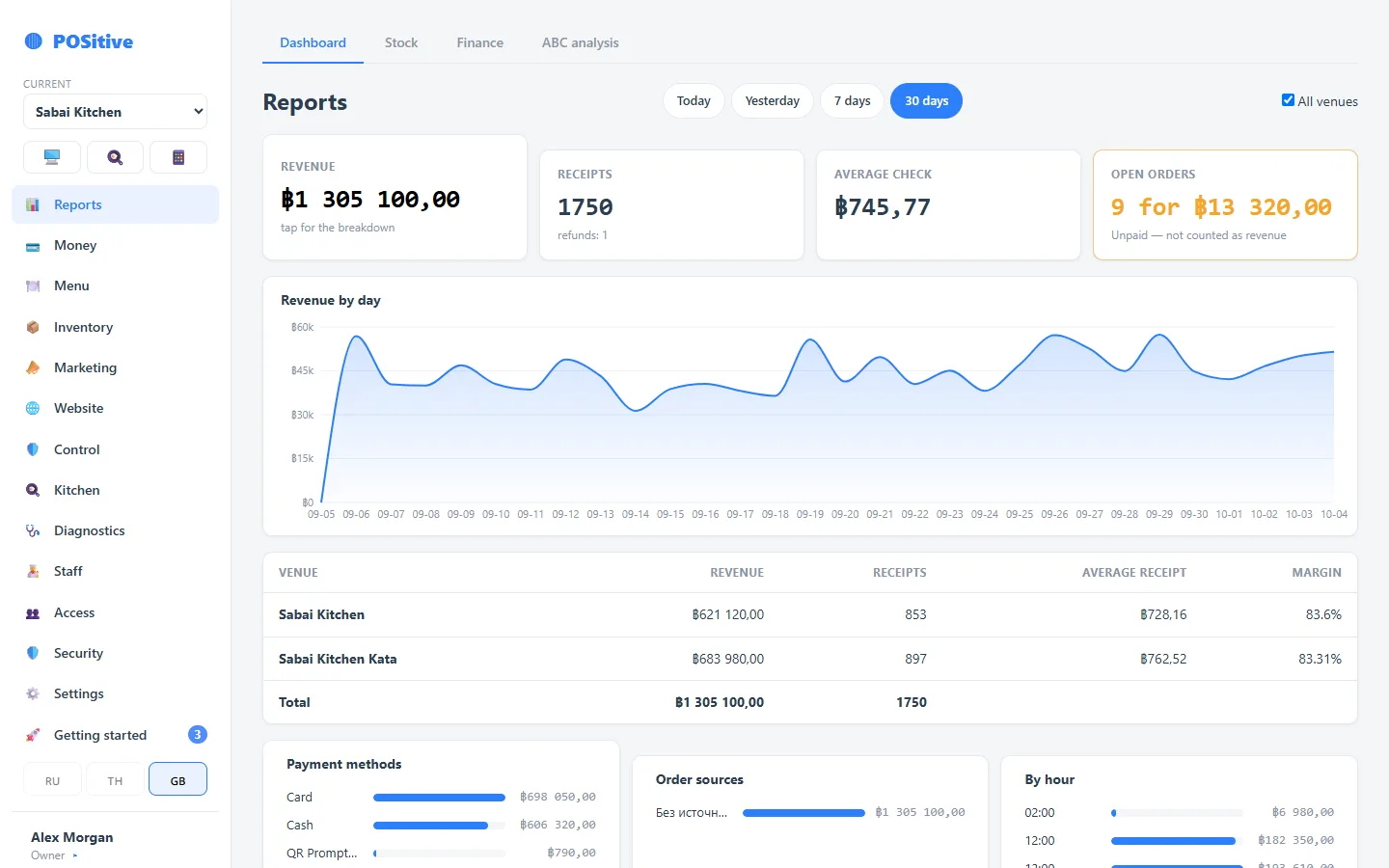
All venues work in one account: each has its own menu and its own stock, and reports are brought together — for each venue and for the group as a whole.
- Combined revenue for the group and for each venue
- One employee — different roles in different venues
- Transfers of goods between venues — with receiving at the destination
What a shared account gives you
Combined figures
Revenue, receipts, average check and margin for the whole group — with a breakdown by venue on the same screen.
Shared team
A manager of two venues signs in once and switches between them. Permissions are set separately in each venue.
Goods between venues
A dispatch reduces the sender’s stock, the receiver accepts the goods at the sender’s cost; any shortfall on receiving is visible at once.
One kitchen — several venues
A cook registered in two venues sees both kitchens on one screen as a single queue.
Shift results in one chat
Closed-shift summaries from all venues can be sent to one Telegram chat of the owner (in Russian for now).
Everyone sees their own
Combined figures and all venues are visible only to the account owner. A venue employee cannot open another venue, even knowing the address.
When venues work side by side
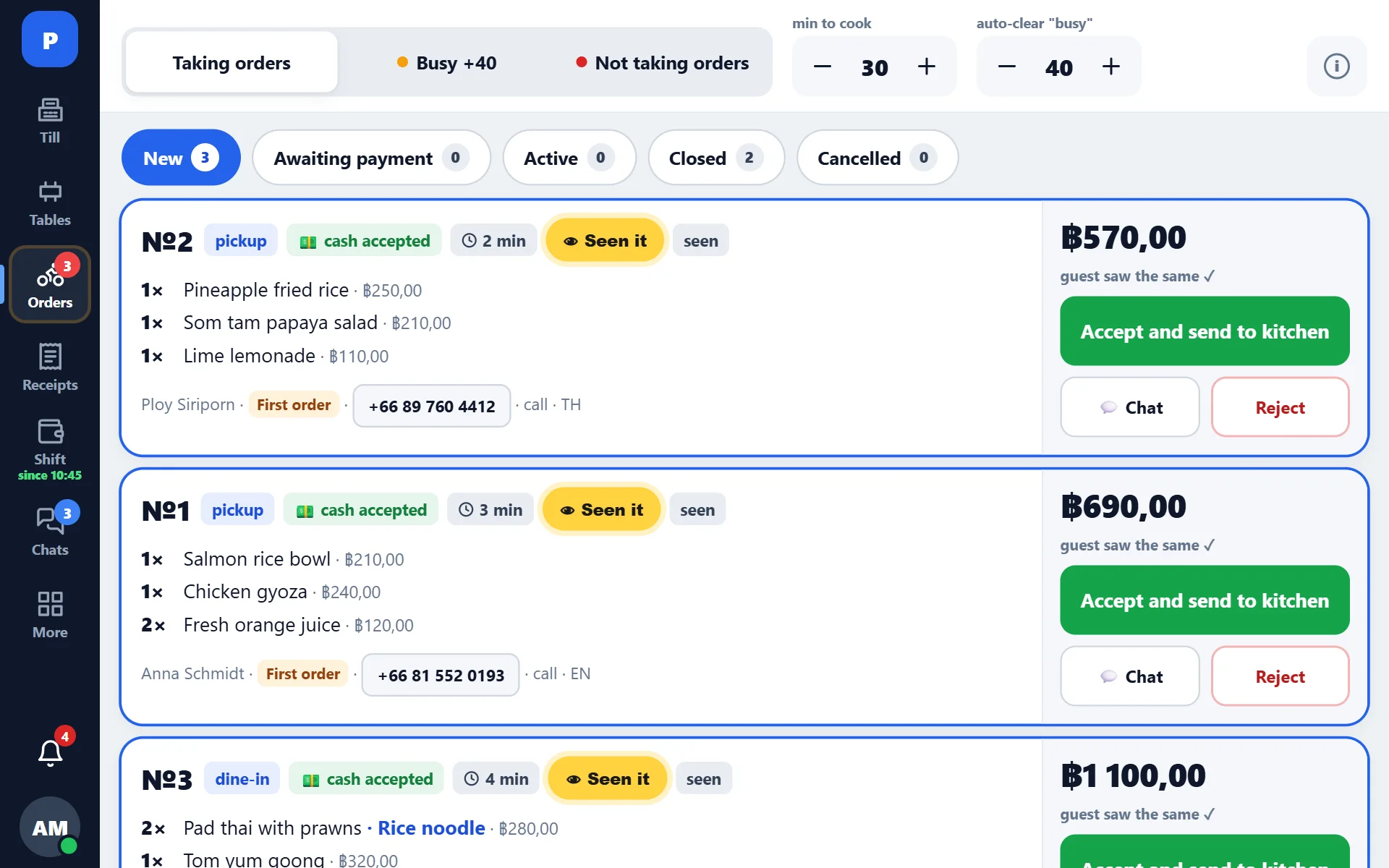
Two restaurants in one courtyard, a guest orders from both menus. The register takes the order, prints to the right kitchen and keeps the mutual settlement: you can see who owes whom and for what.
- The neighbour’s dishes are available right in the order
- The guest’s money and the debt to the neighbour are separated automatically
- The Z report shows how the guest paid for the neighbour’s dishes
- Chat between venues — agree on things without leaving the register
Questions about groups
Do the venues share one menu or have separate ones?
Separate: each venue has its own menu, its own prices and its own stock — that makes tracking more accurate. There is no “copy the menu to another venue” button yet: we move a new venue’s menu on request.
How much is a second venue?
The same: the subscription is per venue, and the set of modules is shared by the whole account. See pricing.
Can I run a franchise?
Yes: the franchisor is the account owner and sees all venues, a franchisee is the owner of their own venue and sees only that one. How to set it up and what is not there yet — on the franchise page.
We will help set up your group account
We will advise how to arrange venues, storage locations and access rights so that every employee sees only their own.