Your venues’ figures on your phone
POSik shows what is happening in your venues right now: revenue, receipts, average check, what is selling, who is on shift and which orders are waiting to be accepted.
- All venues on one screen, and each one separately
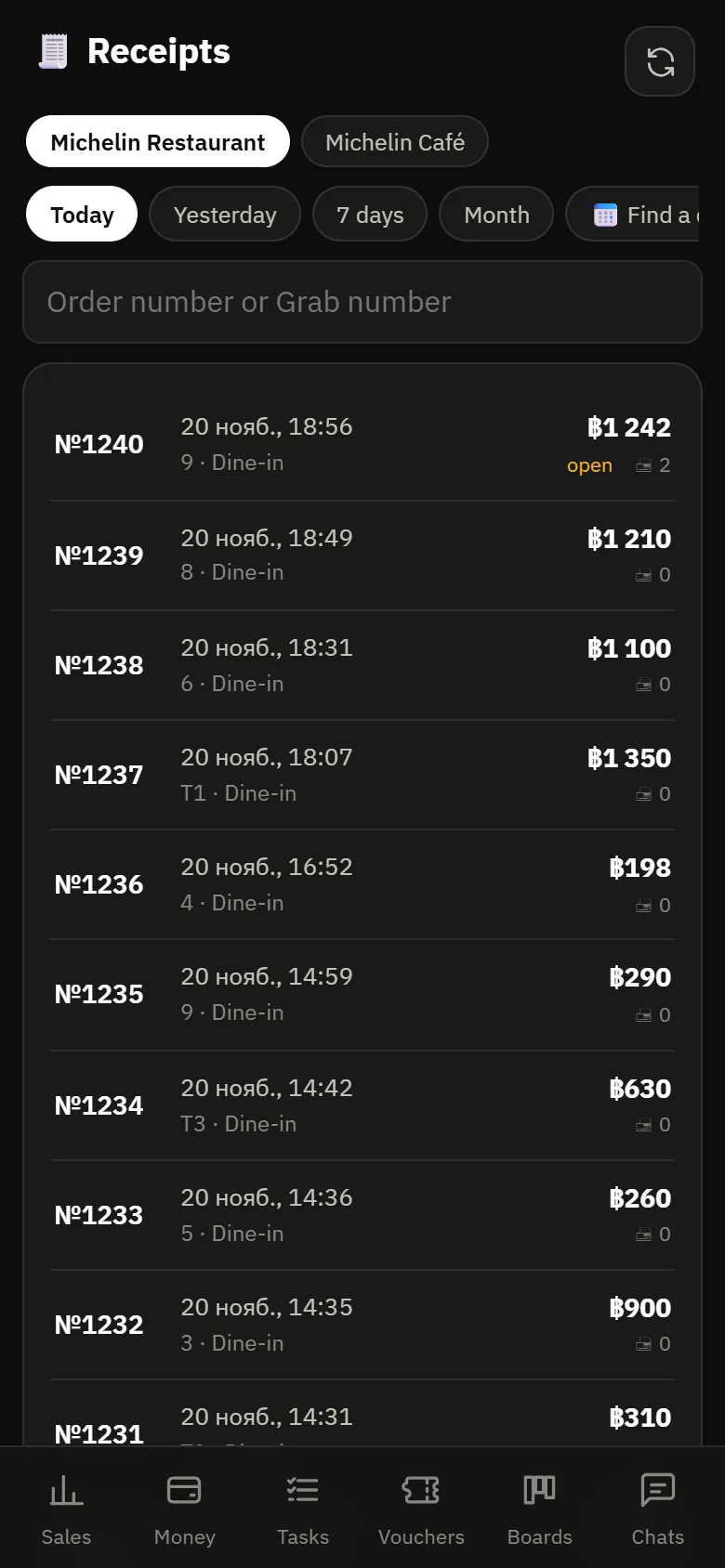
- Any receipt can be opened exactly as it was printed
- Event feed: a large receipt, a refund, a discount, the stop list
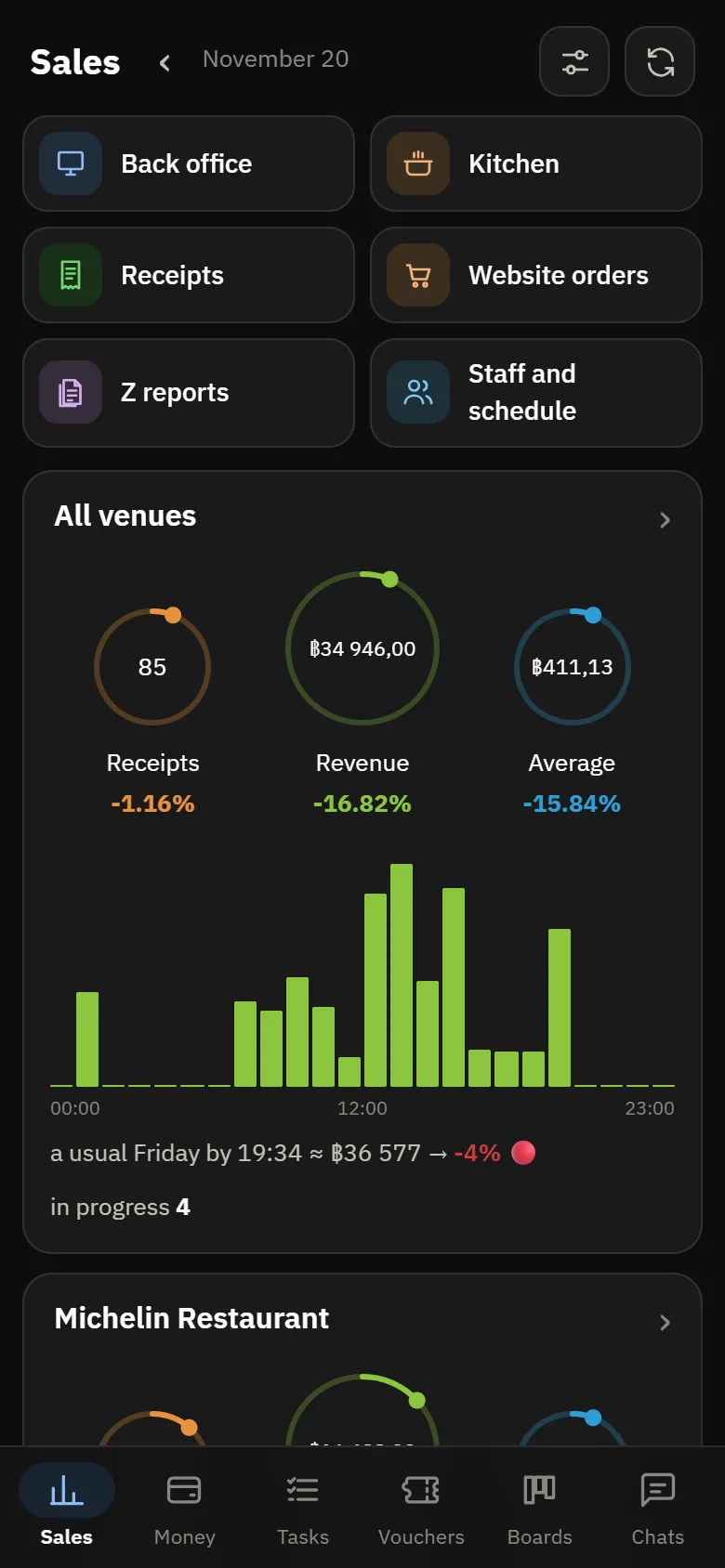
POSik screens
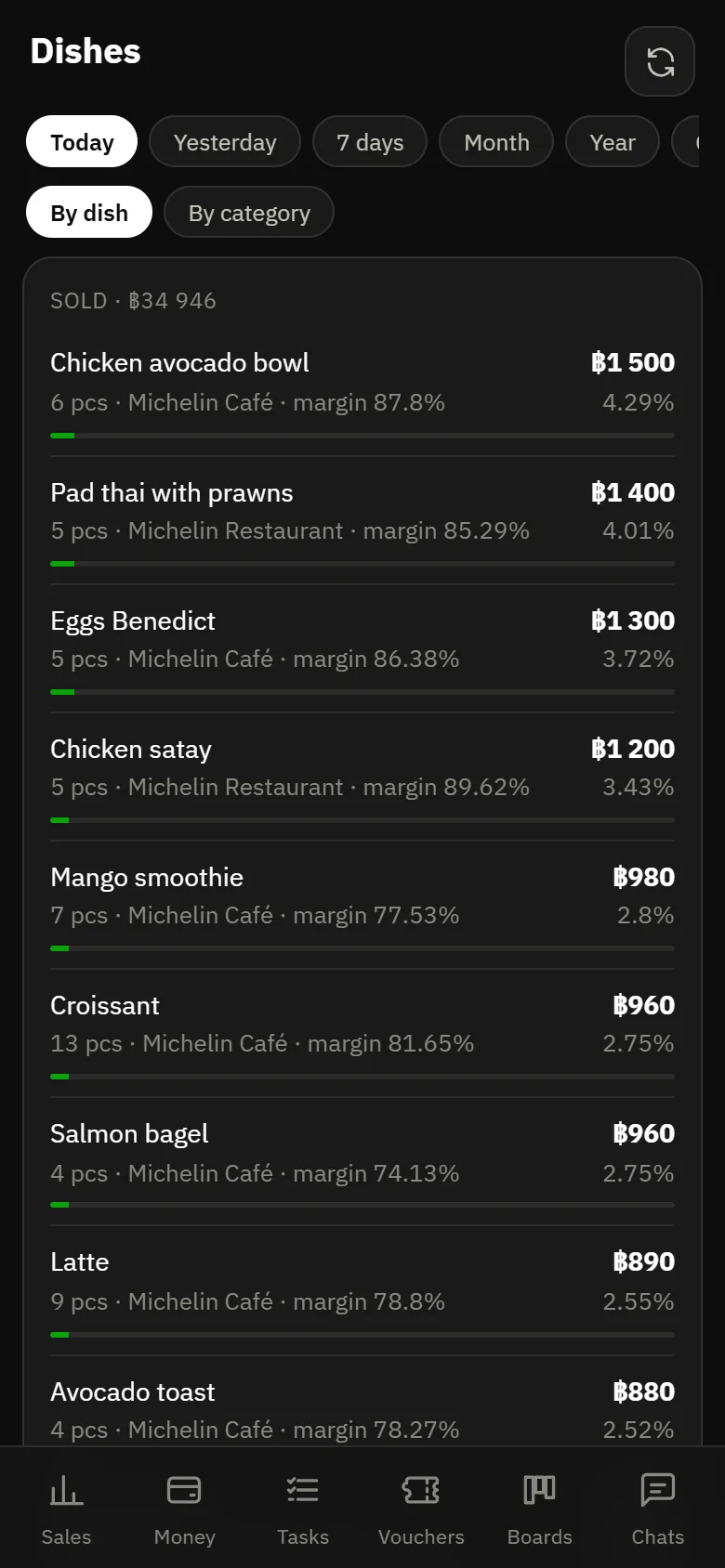
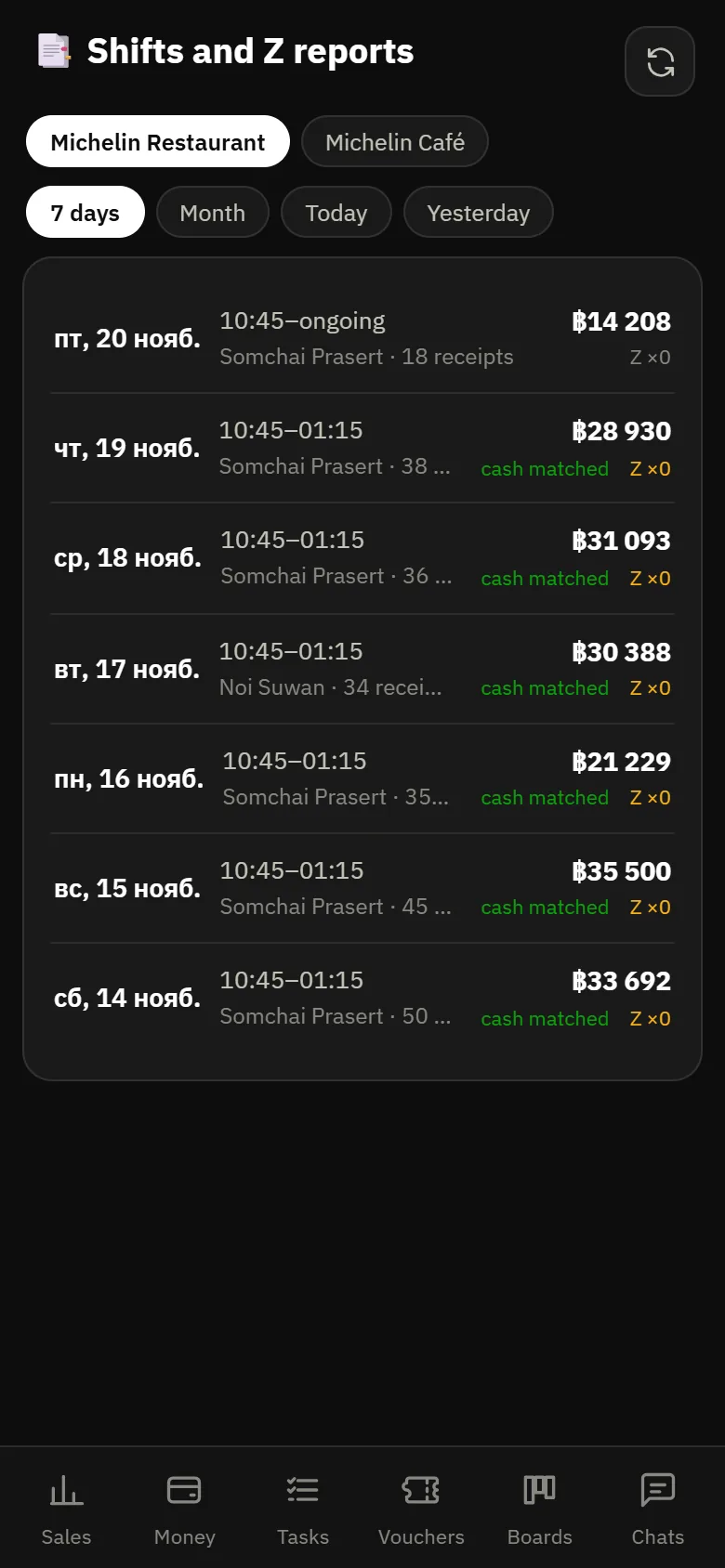
What the app looks like today: sales across venues, one venue’s day, dishes, receipts and shifts.
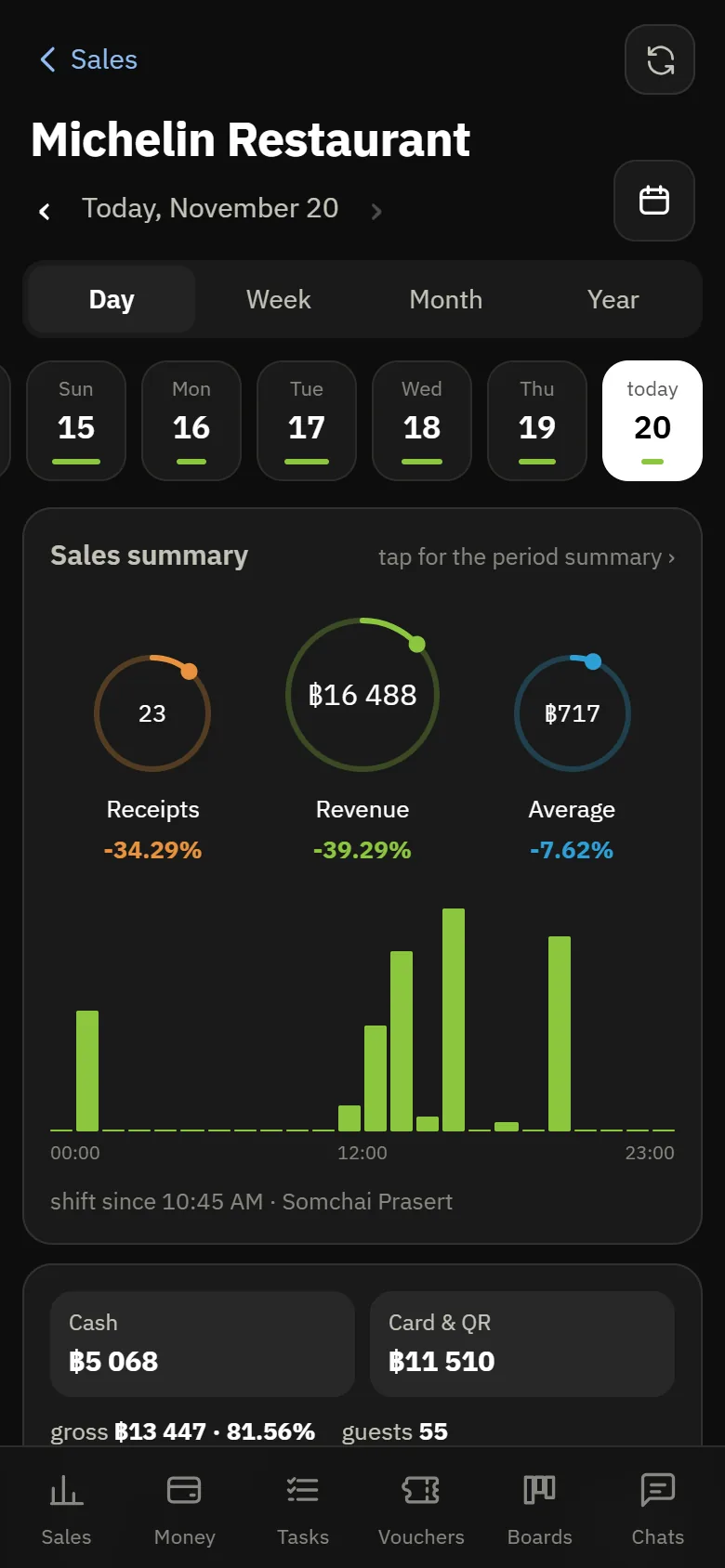
What gets checked most often
Sales
Revenue, number of receipts and average check for the day, week and month. Tapping the chart shows what the total is made of.
Dishes
What sells, what does not and at what margin: you can see which items bring in most of the revenue and which rarely sell.
Who is at work
Who opened a shift, who was late and how many hours were worked over a period. Employee payroll is there too.
Shift results arrive on your phone
The Z report, cash in the drawer, discrepancies and refunds appear in the app as soon as the shift closes. The summary can also be received in Telegram (in Russian for now).
- Any receipt can be opened to see what was printed
- Website orders waiting to be accepted are shown separately
- The venue’s stop list — right in the app
- Chats with guests and between venues — there too
Also in POSik
Task boards
Tasks and breakdowns as cards: the manager attaches a photo and writes in their language, and you read it translated.
Chats
Conversations with guests about orders and a chat between venues — auto-translated, so a Thai manager and a Russian-speaking owner understand each other.
Vouchers
Campaigns and promo codes: how many were issued, how many redeemed and for what amount.
Kitchen
The same kitchen display, view only: you can see how busy the kitchen is without going in.
Guest sources
Where orders came from — by website UTM tags and by sales channel.
Telegram summary
Shift closing, large refunds and important events arrive as a message, even if the app is not open (in Russian for now).
Questions about POSik
Is it a separate app or a website?
Both. POSik opens in a browser and can be added to the phone as an icon — it then opens straight on the right screen, bypassing the desktop back office.
Who can see the figures?
Whoever has been given the permission. A manager can be given their own venue, a group owner all of them. Permissions can be set down to individual actions.
Does a cashier need POSik?
No, the register is enough for a cashier. POSik is the management app: for the owner, the manager, the accountant.